//
Notification Settings
Overview
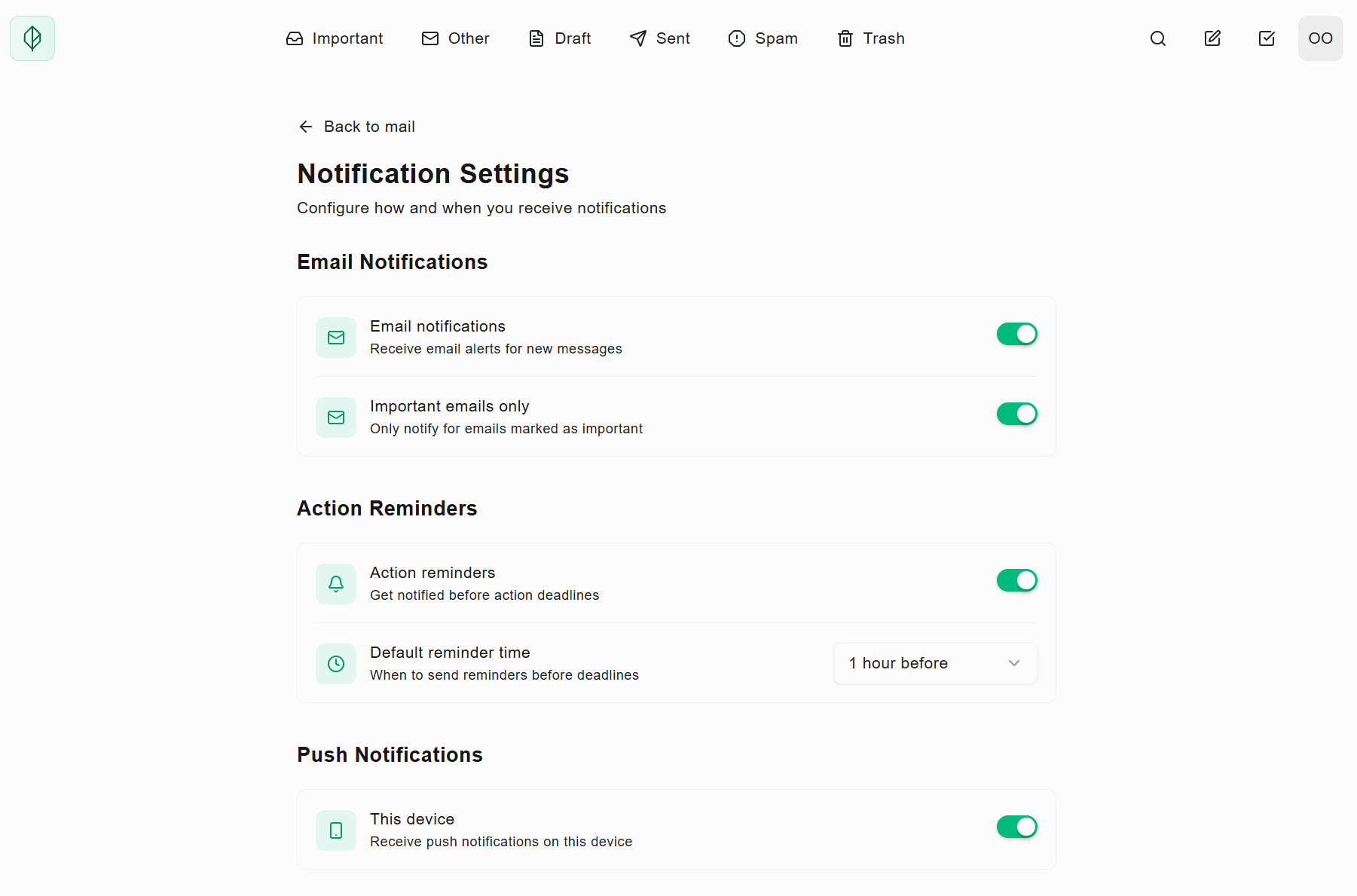
Not every email deserves a ping. Vern's new Notification Settings put you in complete control — choose what triggers an alert, how you receive it, and when reminders should nudge you before deadlines.
✨ What's New
Email Notifications: Toggle email alerts for new messages on or off. Stay informed without living in your inbox.
Important Emails Only: Filter the noise. Only get notified when Vern detects something that actually matters — not every newsletter and promo.
Action Reminders: Never miss a deadline. Get notified before action items are due, with customizable timing (1 hour, 1 day, or custom).
Default Reminder Time: Set your preferred lead time for all deadline reminders — change it globally or per task.
Push Notifications: Enable device-specific push alerts. Get instant pings on desktop, mobile, or both — your call.
⚡ Why It Matters
Notifications should help you, not overwhelm you. Vern lets you dial in exactly what deserves your attention — so you stay on top of what matters without the constant interruptions that kill focus.